
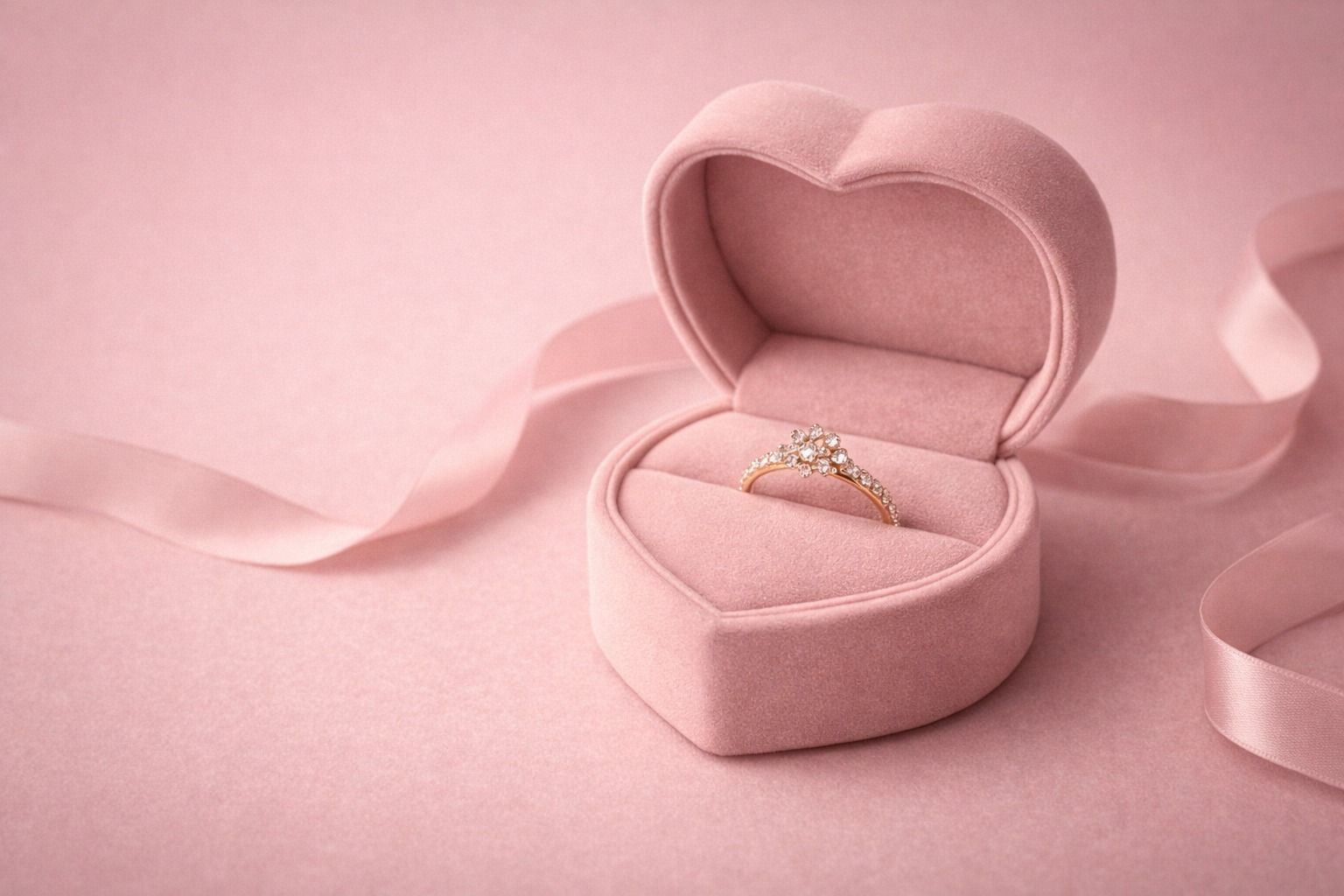
Jewelry brands are increasingly using tools like AI jewelry image generator or jewelry AI photoshoot generator to create product visuals quickly.
It saves time, no doubt.
But here's what many of them don't realise:
AI doesn't always produce sellable images.
Sometimes the output looks slightly off, inconsistent, or unrealistic—especially for high-value jewelry.
If you've experienced this, you're not alone. Let's break it down.
Where AI Jewelry Photography Fails
1. Loss of Fine Details
Jewelry is all about precision—tiny stones, edges, and reflections.
When you rely only on an AI product photo generator for jewelry, you may notice:
- Softened edges
- Missing micro-details
- Over-smooth textures
This affects trust, especially on product pages.
Learn how to fix this with proper jewelry editing
2. Unrealistic Lighting & Shine
In traditional jewellery photography, lighting is carefully controlled.
AI sometimes:
- Adds artificial shine
- Creates uneven reflections
- Makes gold/silver look unnatural
The result looks “good”—but not premium.
3. Inconsistent Product Images
Using an AI jewelry image generator multiple times often gives:
- Different tones
- Background inconsistencies
- Slight design variations
This breaks brand consistency.
4. Product Misrepresentation
AI sometimes changes the product unintentionally:
- Stone color shifts
- Shape distortions
- Size inconsistency
This happens when tools lean more toward AI jewelry design rather than accurate product visuals.
For eCommerce, this is risky.
What You Should Do Instead
1. Combine AI with Editing
Don't rely fully on AI.
Use AI to generate → then refine manually.
Even basic steps to edit jewelry photos can significantly improve quality.
2. Use Tools Built for Jewelry
Generic tools won't work well.
Look for tools designed for:
- Metal reflections
- Gem clarity
- Real product accuracy
That's where choosing the best photo editor for jewelry makes a difference.
3. Focus on Consistency
When creating multiple images:
- Keep same lighting
- Maintain background style
- Avoid random variations
If using an AI model generator for jewelry, ensure the model and scene stay consistent.
4. Always Review Before Publishing
AI speeds things up. But you must still check:
- Color accuracy
- Reflection realism
- Product shape
5. Use AI for Speed, Not Accuracy Alone
AI works best when used for:
- Quick generation
- Style testing
- Faster workflows
Not as a full replacement for careful work.
A Better Workflow That Actually Works
Here's a simple approach used by growing brands:
- Generate images using a jewelry AI photoshoot generator
- Refine using tools to photo edit jewellery
- Ensure consistency across all visuals
- Final manual check
This balances speed and quality.
Final Thoughts
AI is changing how jewellery photography works—making it faster and more accessible.
But it's not perfect.
The smartest approach is simple:
Use AI as a starting point
Refine with proper editing
Always review before publishing
That's how you create images that actually convert.
FAQs
Is an AI jewelry image generator enough?
It's a good starting point, but most images still need jewelry editing for accuracy and quality.
How can I edit jewelry photos properly?
Use tools designed for jewelry and focus on lighting, reflections, and detail correction.
Can AI replace traditional jewellery photography?
In some cases yes, but high-quality products still need refinement and review.
Why do AI jewelry images sometimes look fake?
Because AI can misinterpret reflections, textures, and proportions.
What is the best workflow for jewelry images?
Use AI to generate → refine manually → ensure consistency → review before publishing.